Everyday / family / office
The everyday Windows PC
Fast, quiet and dependable without paying for hardware the machine will never use.
Ask about an everyday PC →New build or rebuild. Windows or Linux. Regular or premium. Gaming, work, local AI, homelabs, NAS and compact systems. Start with what you need the machine to do, then choose the hardware and software around it.
More choice. More control. Every component selected deliberately for performance, reliability, repairability and upgradability.
20+ years around PC hardware · Windows and Linux · new and repurposed hardware · design, source, build, test and support
Phones and tablets are brilliant for mobility and consumption. Laptops are designed around portability. A desktop PC makes sense when you want more sustained performance, more room to create, more storage and more control over the machine.
Most computers arrive with the important decisions already made. A custom PC keeps those decisions available to you.
More cooling, power and component choice for demanding work, gaming and creation.
Replace or improve individual parts instead of treating the whole machine as disposable.
Choose the operating system and software stack that fit the way you actually use the PC.
Gaming, AI, storage, self-hosting, creative work or several demanding roles in one machine.
Add a GPU, try Linux, build a server, run AI locally or repurpose older hardware.
The PC is not one fixed product category. The same platform can become a straightforward everyday computer, a gaming rig, a workstation, a NAS, a homelab or a local AI machine. The build changes with the job.
Fast, quiet and dependable without paying for hardware the machine will never use.
Ask about an everyday PC →Higher-grade components, stronger sustained performance and an upgrade path designed for demanding work.
Ask about a workstation →Graphics, CPU, memory, cooling and display targets balanced around the games and performance you actually want.
Ask about gaming →GPU memory, model size, power, cooling and real inference performance designed around the models you want to run.
Ask about local AI →Private storage, local backups, media and services on expandable hardware you control.
Ask about a NAS →A machine designed to experiment, develop, automate, self-host and learn without being boxed into one role.
Ask about a homelab →Keep what is still good. Replace the bottleneck. Turn older hardware into a useful machine instead of automatically replacing it.
Ask about a rebuild →Small-footprint systems that retain useful cooling, serviceability and standard components wherever possible.
Ask about a compact PC →Tell us what you need it to do, your budget and anything you already own. We’ll help shape the right build.
Everyday Windows, gaming, Linux, AI, storage, compact systems and rebuilds all start with different requirements. The range is the point.
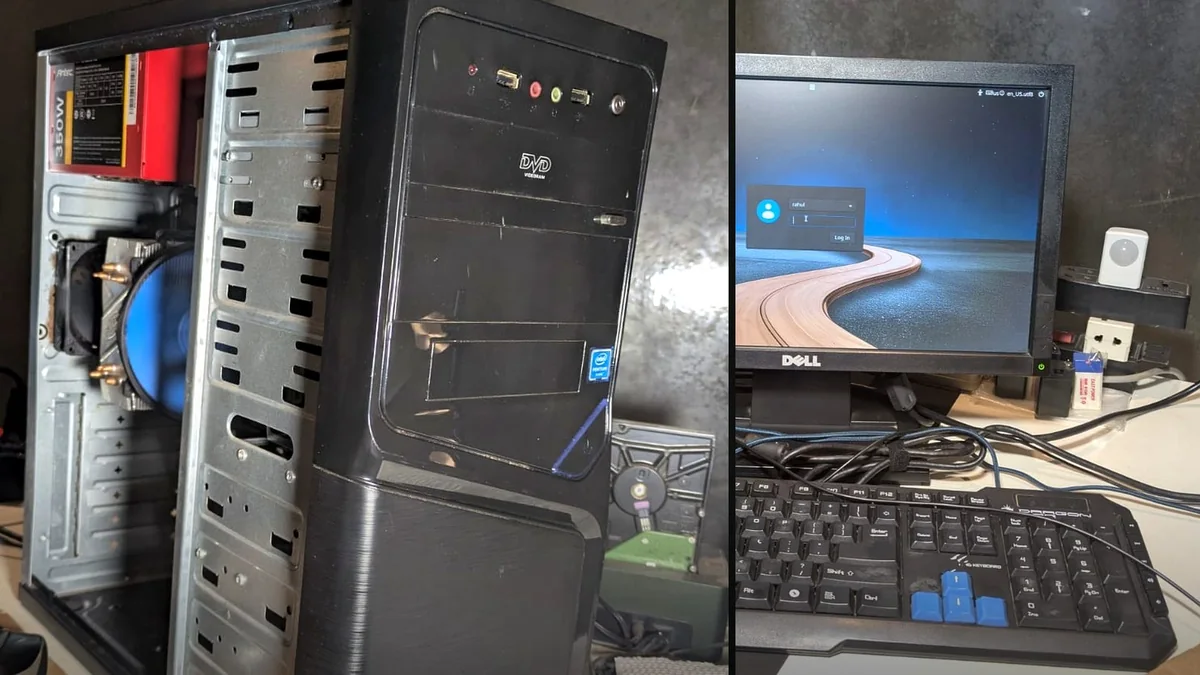
Ten years old. Not dead yet. An overheating Intel desktop with 4 GB RAM and a tired hard drive was brought back to useful life instead of being thrown out.
“The box was the same, but the PC felt brand new. Completely different.”Rahul, Cancona
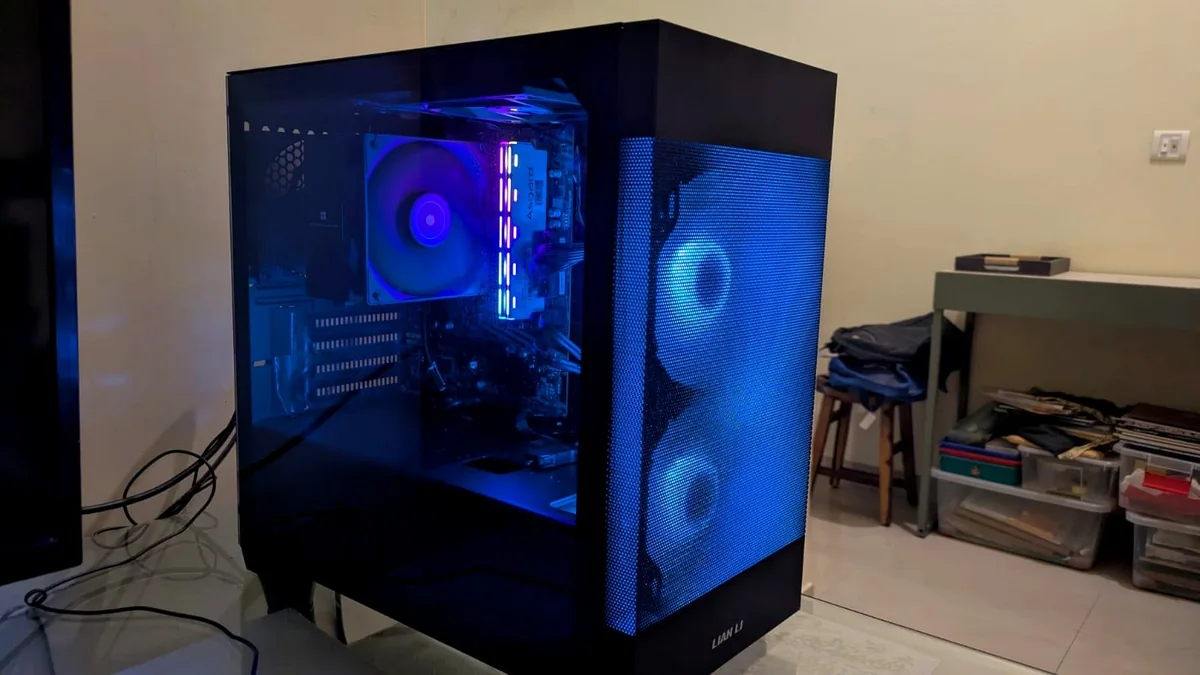
AM4 parts + RGB = happiness. A budget home PC built from available AM4 hardware for browsing, Steam and games. The lighting budget was treated as a critical subsystem.
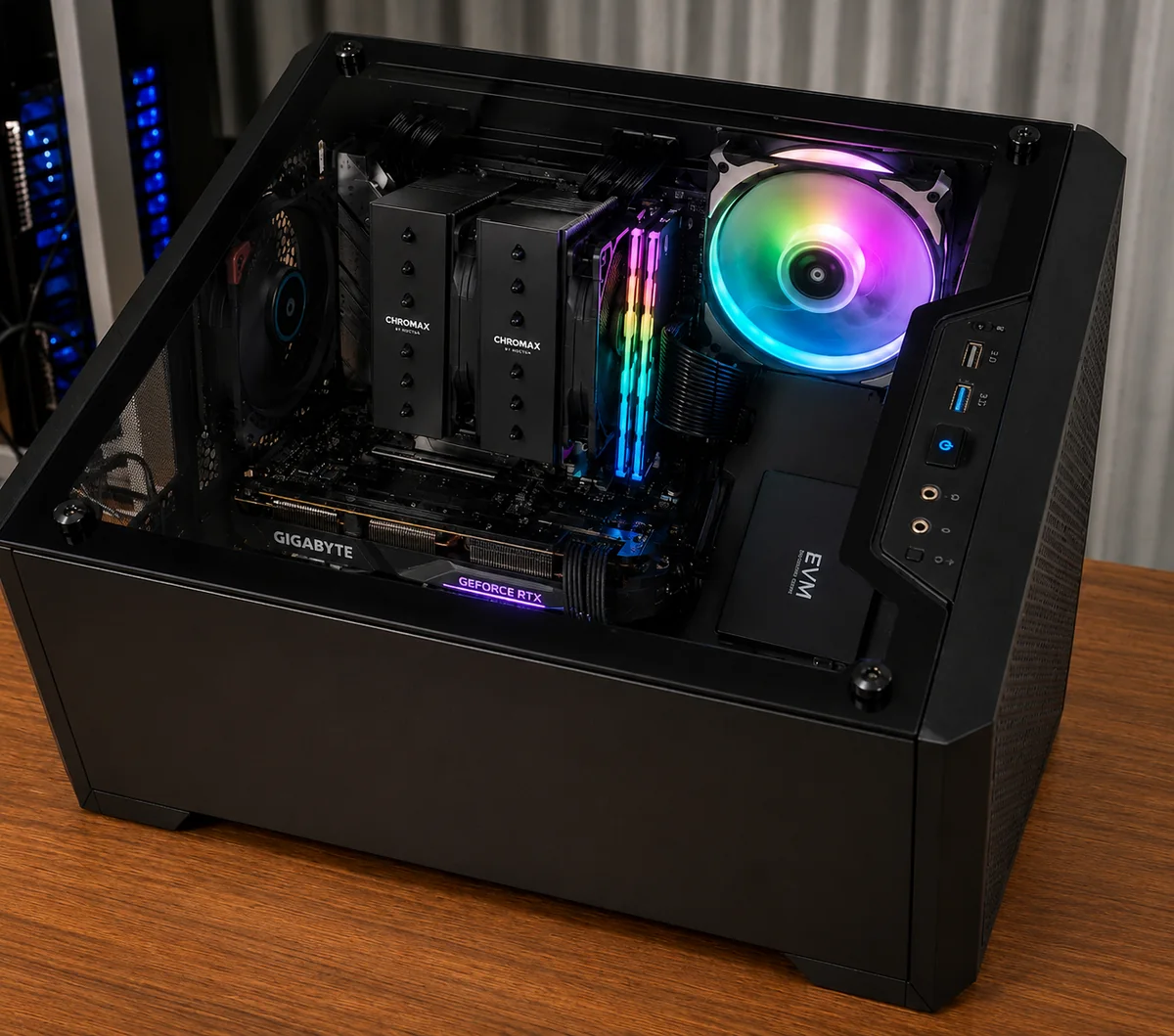
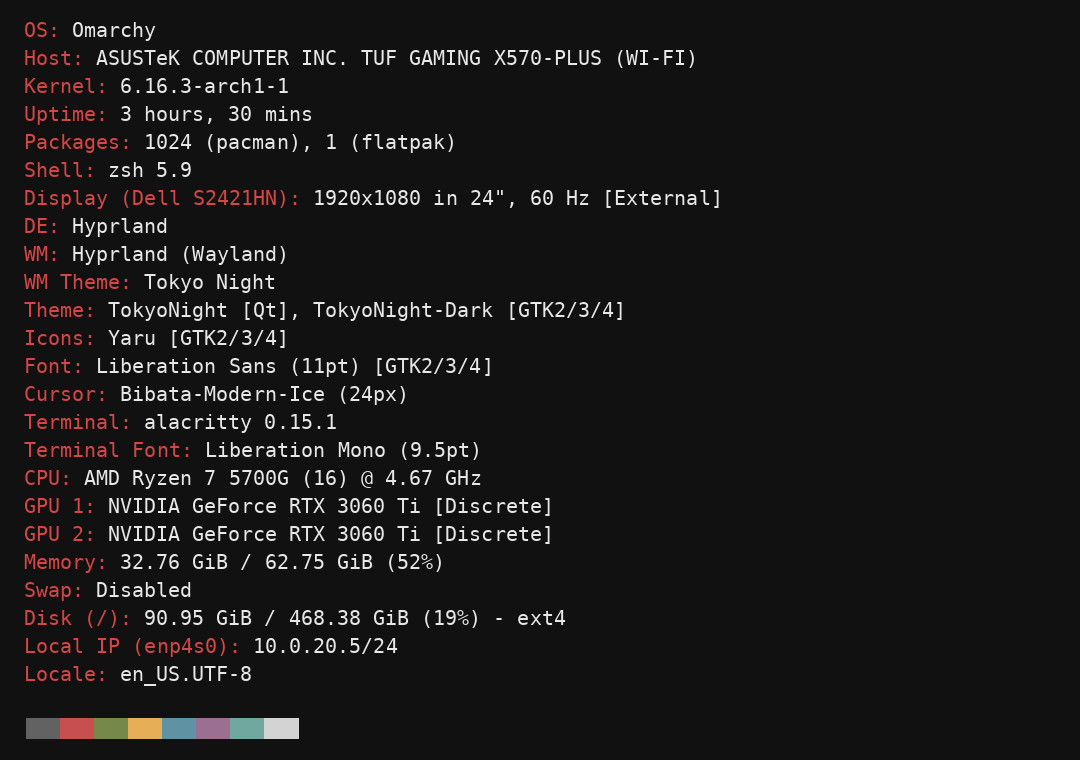
Five-year-old hardware. Still fast. A B550 + Ryzen 5700G machine repurposed as a focused Omarchy development and vibecoding setup.
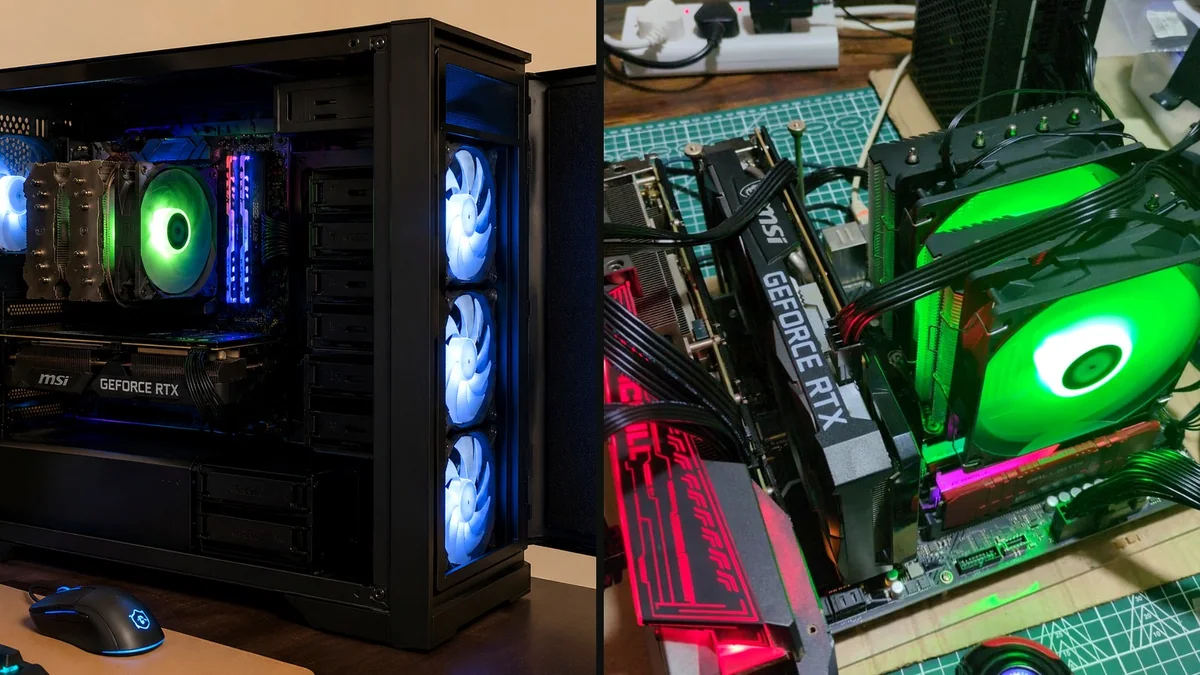
Yesterday's GPUs. Today's AI box. Two older RTX 3060 Ti cards, plenty of stable DDR4 and a local Linux stack turned into a surprisingly serious inference machine.
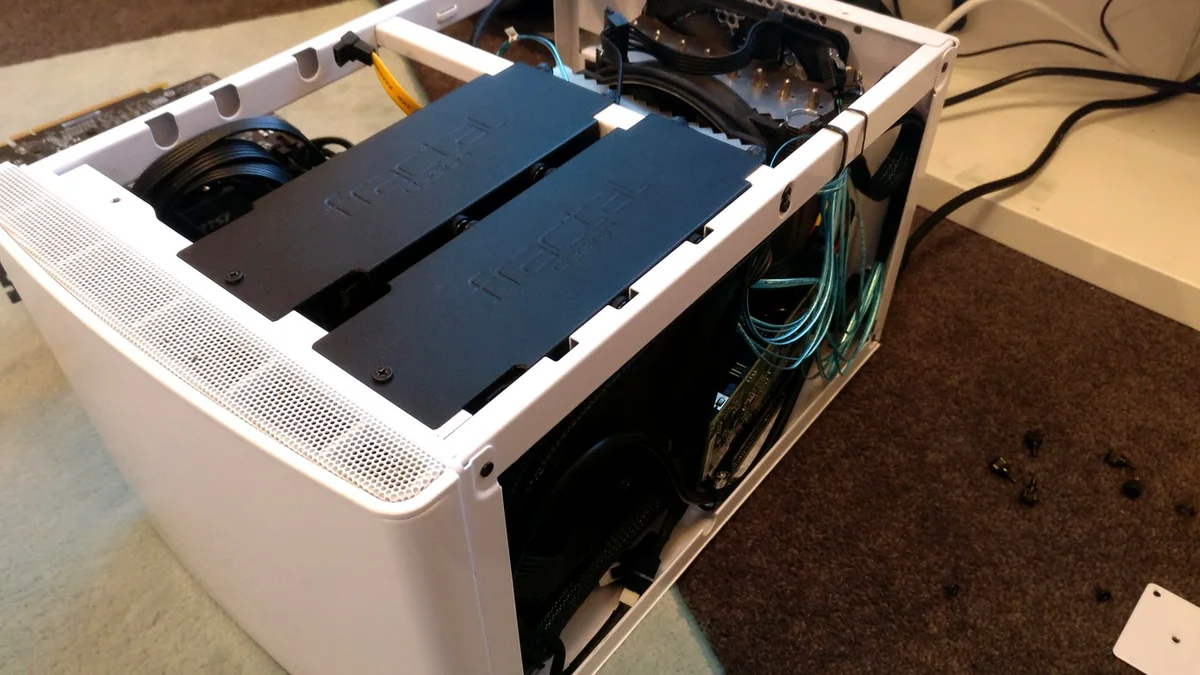
Your files. Your hardware. Your roof. An expandable Unraid NAS for local backups, private storage and personal cloud services using easy-to-source PC hardware.
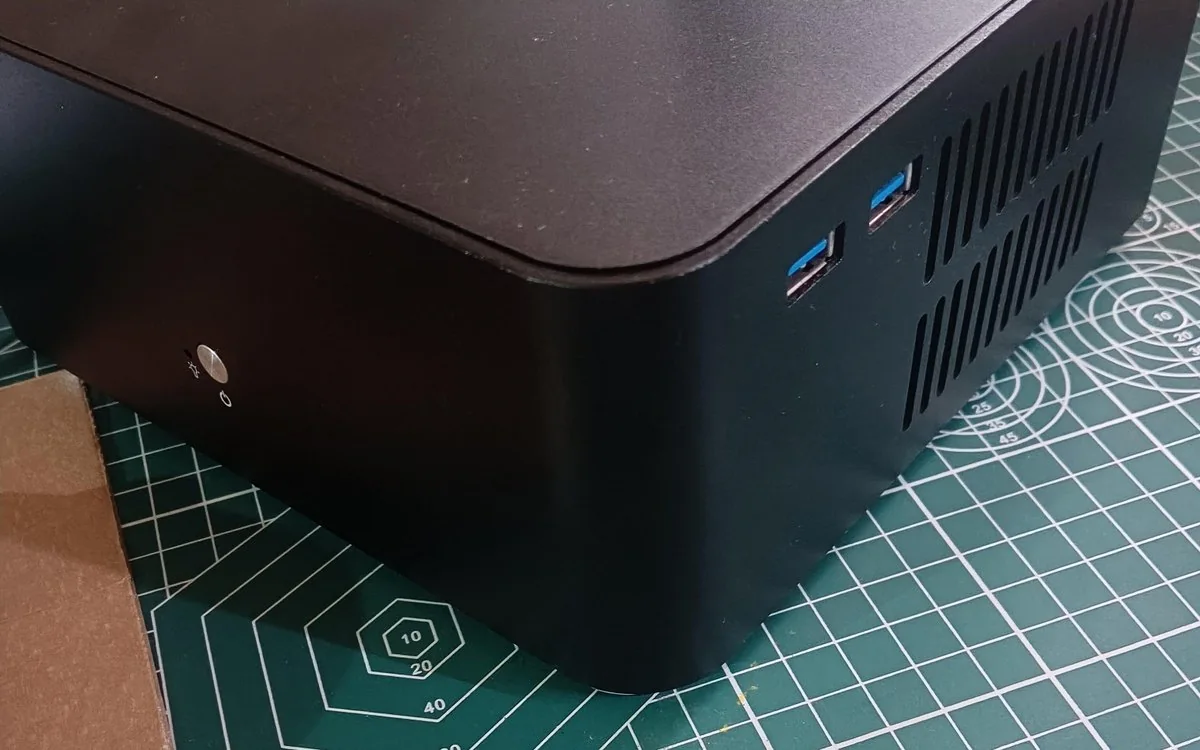
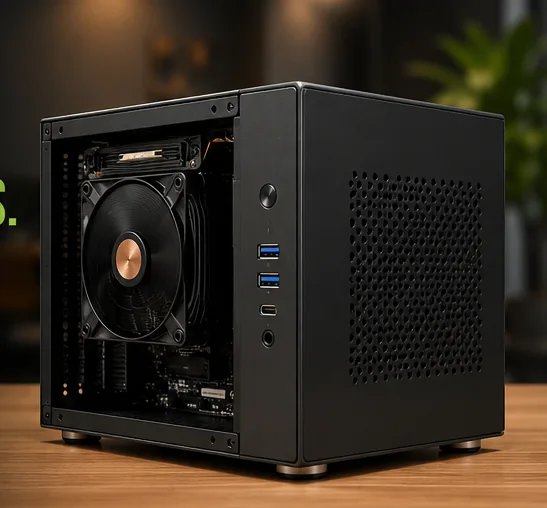
Good old Windows 11. A compact Ryzen desktop built from standard PC parts rather than a sealed proprietary mini-PC. Small enough to disappear on a desk, but still easy to open, clean, repair and upgrade.
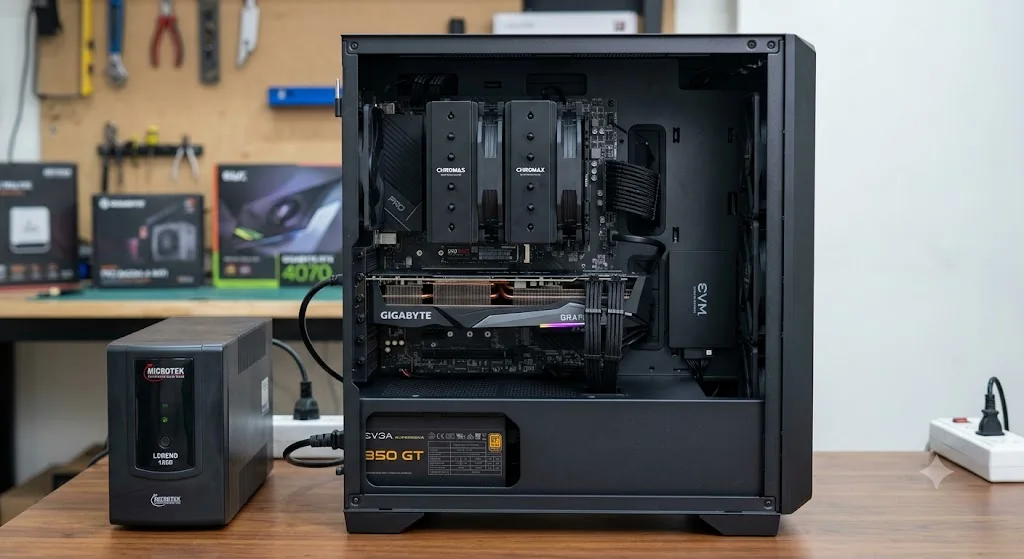
A genuinely high-end Windows 11 gaming build created around a very specific client brief. Rather than chasing a generic gaming specification, the system pairs a Ryzen 9 7950X3D with RTX 4070 graphics, fast DDR5 memory, premium cooling and a carefully chosen storage mix.
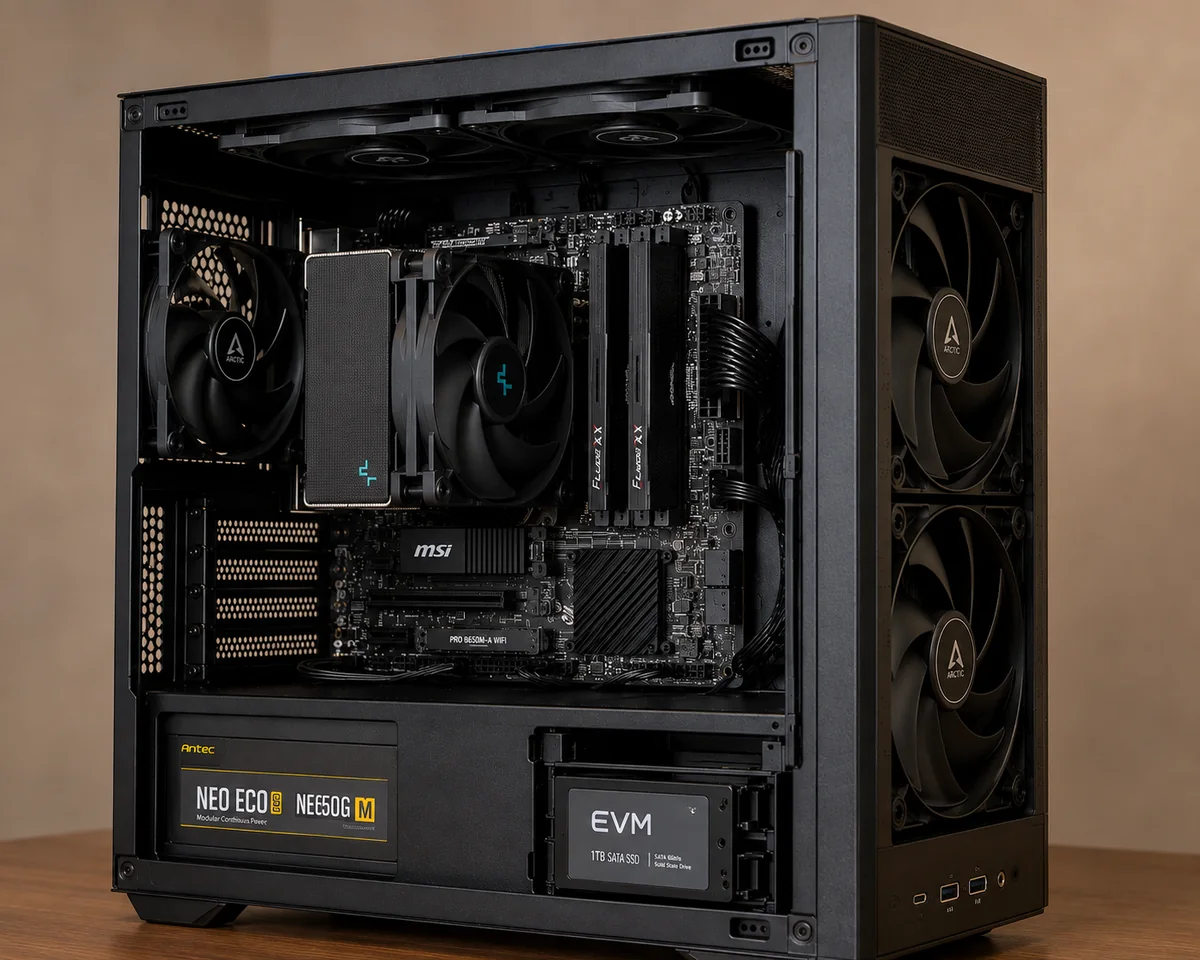
The brief was to replace the role of an iMac with a compact Windows 11 desktop built from standard PC hardware. The Ryzen 7 8700G keeps graphics integrated through its Radeon 780M GPU, while 32 GB of fast DDR5, dual SSDs and substantial case airflow make it a capable everyday and productivity machine without needing a discrete graphics card.
A custom build does not have to mean the most expensive parts. It means making deliberate choices.
Reliable parts, sensible performance and money spent on the components the workload actually needs.
Better cooling, quieter operation, stronger components, more performance or aesthetics when those things matter to you.
A good case, GPU, storage drive or other component may still have years of useful life. Replace the bottleneck, not everything.
A modular PC can change with you. Repair a failed part. Add RAM or storage. Upgrade the GPU. Try Linux. Turn older hardware into a server or AI box. Experiment without replacing the whole machine.
Photos show the hardware. System snapshots, thermals and workload numbers show whether the choices worked.
A useful benchmark from the dual-3060 Ti local-LLM build. Enough speed that the machine feels immediate, not experimental.
Workload, budget, software and existing hardware.
Choose parts around the real bottleneck.
New, reused or mixed parts where sensible.
Thermals, stability, OS and workload checks.
A real person who knows exactly what went inside.
I spent years testing hardware to find out what actually matters. The same mindset goes into every build.

The same person thinking about your workload is also thinking about the CPU, GPU, storage, cooling, operating system, repairability and future upgrade path.
The goal is not to sell the most hardware. It is to choose the right hardware, build it properly and leave room for what comes next.
Start a conversation →You do not need a parts list. Tell us the job, budget and what you already own. We can work out the right platform, components and operating system from there.
Custom PC enquiries from Goa are welcome.
If portability is the priority, a laptop is usually the right answer. A desktop makes more sense when you value sustained performance, cooling, storage, repairability, upgrades, peripherals or specialised workloads more than mobility.
No. Start with the job, budget and any hardware you already own. Part selection is part of the service.
Yes. Windows 11 and Linux are both first-class choices. The OS is selected around your software, games, workflow and preferences.
Often, yes. If the existing case, storage, memory, GPU or other components remain useful and reliable, we can design around them instead of automatically replacing everything.
A regular build prioritises sensible value and dependable parts. Premium builds can spend more on performance, acoustics, component quality, aesthetics, cooling or other requirements that matter to the client.
Yes. Local AI machines, NAS systems, homelabs, compact PCs and client-specific configurations are exactly where custom building becomes especially useful.
The machine is tested for stability, thermals, storage, operating system and the intended workload. Support is easier because the same builder knows what went into the system and why.
Yes. buildyourownPC takes enquiries for custom desktop PCs, rebuilds and upgrades in Goa, including Windows and Linux systems for everyday use, gaming, work, local AI, homelabs and NAS.